Power your processes with instant performance tracking.
Insightful dashboards, secure balances, and automated actions to keep teams moving faster.
Mounting the doorbell unit
running power through the/ installing battery power
ensuring WiFi connectivity to the network
configuring the mobile app for notifications and live viewing
setting up motion detection zones and sensitivity,
adjusting video quality settings
testing two-way audio functionality,
configuring cloud storage or local recording options.
Doorbell cameras
Installing the main control panel
placing door and window sensors at entry points,
mounting motion detectors in strategic locations,
installing glass break sensors if needed,
setting up keypads for arming/disarming,
connecting to phone lines or internet for monitoring,
programming user codes and access levels,
configuring zones and sensor parameters,
testing all sensors and triggers,
setting up notifications (text, email, phone calls),
connecting to a professional monitoring service.
Alarms
Installing electronic door locks or magnetic locks,
mounting card readers or keypads at entry points,
running low-voltage wiring to connect components,
installing the access control panel or server,
programming user credentials (key cards, fobs, PIN codes, or biometric data),
setting access schedules and permissions for different users or groups,
configuring entry/exit logs and reporting,
integrating with other systems if needed,
setting up remote management capabilities.
Access Control
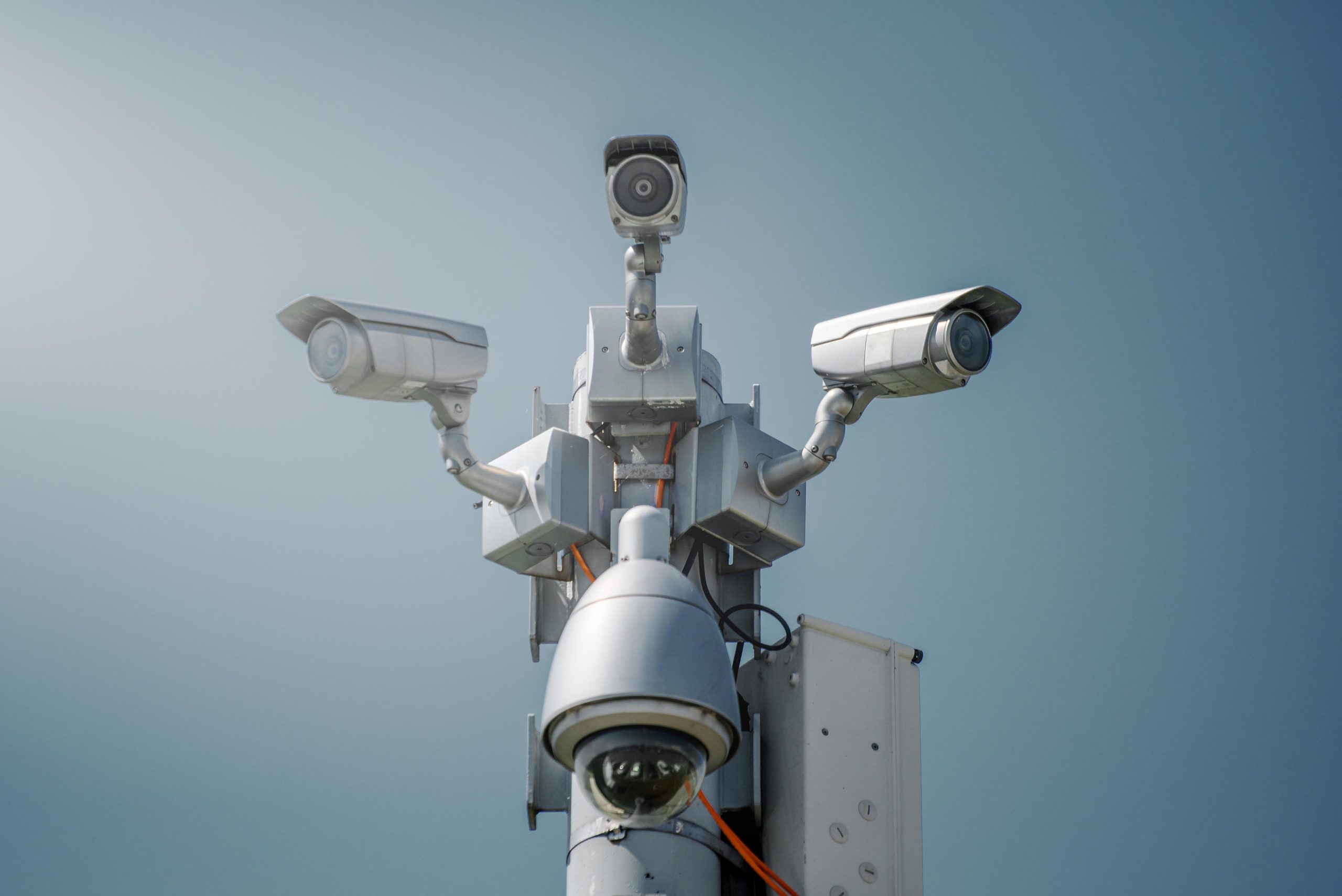
Mounting cameras at strategic locations (entrances, parking areas, hallways, sensitive areas), running cables for power and data (or setting up wireless cameras),
installing the network video recorder (NVR) or digital video recorder (DVR), configuring camera settings like resolution, frame rate, and field of view,
setting up motion detection and recording schedules,
creating camera zones and privacy masking if needed,
configuring storage capacity and retention periods,
setting up remote viewing through apps or web browsers,
potentially integrating with alarm systems for triggered recording.